Automate site documentation. Create flawless, high-resolution screenshots of any webpage, from header to footer, without the manual scroll.
We got tired of broken stitched images, sticky headers ruining captures, and tools that crashed on long pages. So we built CrawlShot: a robust, rate-limit protected engine that runs directly in your browser.
Our intelligent background worker manages scroll states, handles lazy-loaded content, and uses an OffscreenCanvas to stitch perfectly every time.
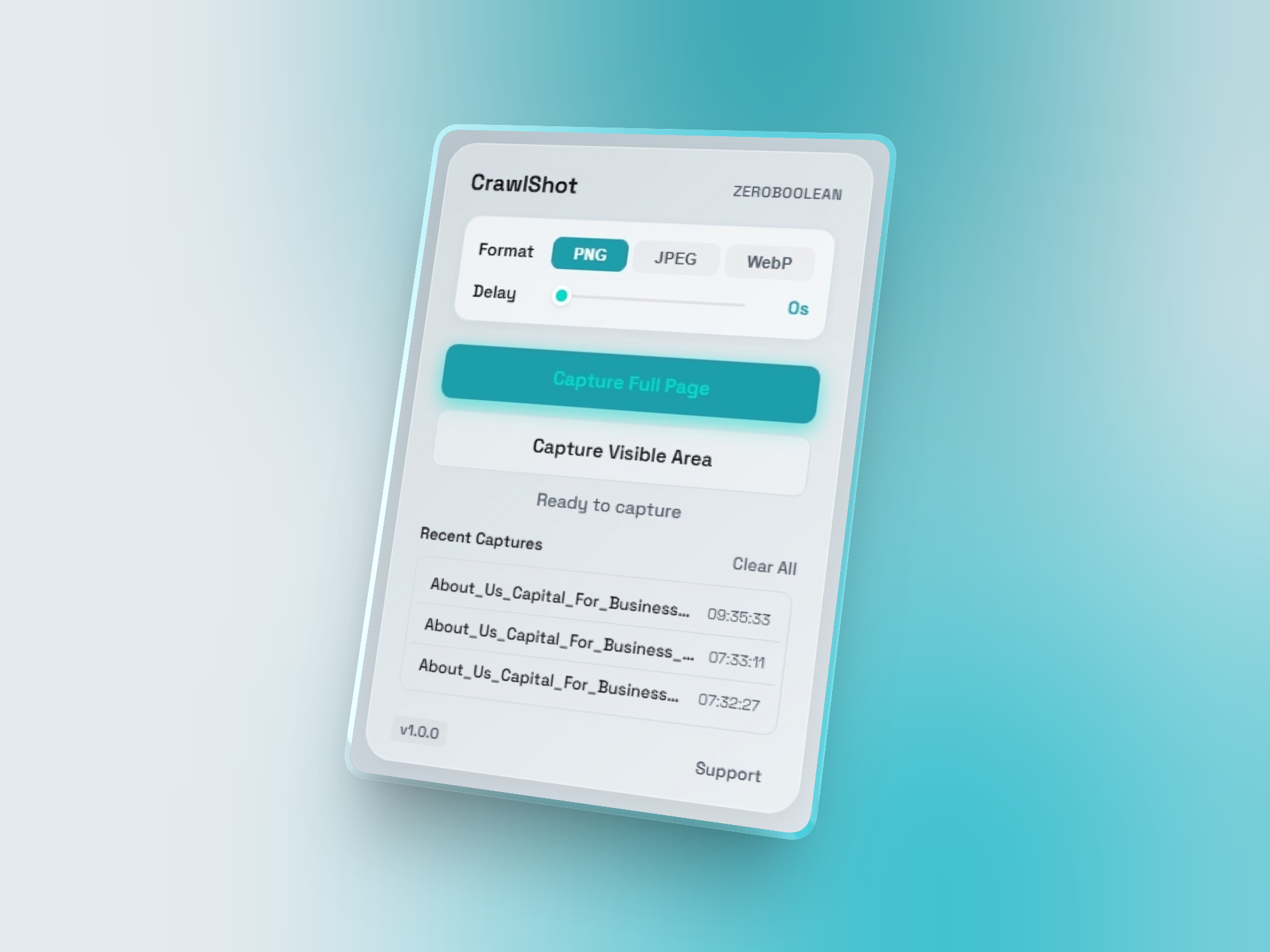
No clunky interfaces. Just the tools you need right in your browser toolbar.
Choose between Visible Viewport, Full Page Stitching, or Region Crop.
Export as PNG, JPEG, or compressed WebP directly from the popup.
The engine processes the image locally and triggers an instant download.
Under the hood, CrawlShot is packed with features designed for developers, QA engineers, and designers.
Automatically pre-scrolls pages to ensure all images and assets load before capture.
Injects CSS to hide annoying cookie banners and support widgets before snapping.
Bypasses Chrome's PNG-only limitation using an advanced OffscreenCanvas pipeline.
Exponential backoff logic ensures the capture engine never crashes on long pages.
"Finally a screenshot tool that doesn't break on sticky navbars. Saved me hours on UI audits."
"The WebP export option alone makes this worth it. Keeps my hard drive clean and files small."
"Blazing fast. The fact that it processes everything locally gives me peace of mind with client sites."
Document bugs exactly as they appear.
Capture high-res proofs for Figma.
Archive landing pages for reference.
Export clean, full-page portfolios.
Evolving from a single-page capture tool to a fully automated web crawler.
Full-page stitching, format selection, UI popups, and rate-limit safety.
URL list imports, batch ZIP exports, and device viewport emulation.
Sitemap.xml parsing, automatic internal link following, and cloud storage integrations.
Your data is yours. CrawlShot processes every pixel directly in your browser. No images are ever sent to an external server, ensuring absolute privacy and GDPR compliance.
Read Privacy PolicyJoin developers and designers building better workflows with faster, cleaner, and more reliable web documentation.
Add to Chrome — It's Free